What Is Malware Protection? What It Covers and What It Misses
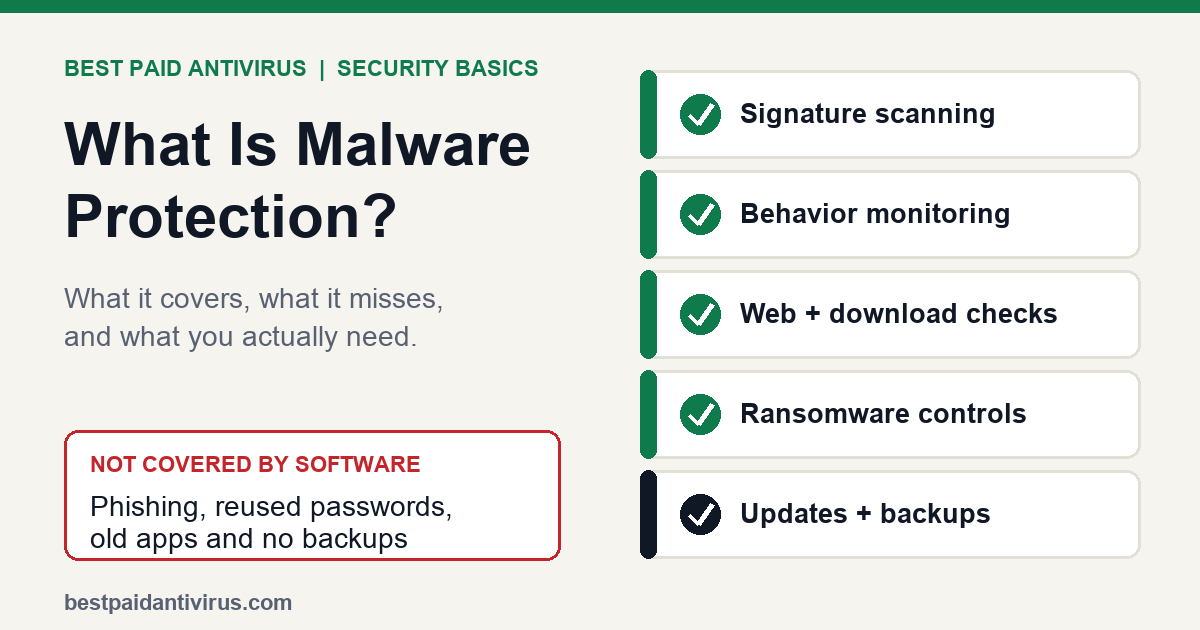
Malware protection is the set of tools and settings that find, block and remove malicious software such as viruses, ransomware, spyware and trojans. In practice it means four things working together: scanning files against known threats, watching programs for suspicious behavior, checking dangerous websites and downloads, and keeping the system updated so attackers have fewer holes to use. Windows, macOS and Android already include a good part of this for free, so the real question is what a paid suite adds on top and what no software can do for you.
Short answer
- It is layered, not a single scanner. Signature scanning catches known malware, behavior monitoring catches new or fileless attacks, and web and ransomware controls cover the ways infections usually start.
- Your device already has some. Microsoft Defender on Windows, XProtect and Gatekeeper on Mac and Google Play Protect on Android are built in.
- No tool covers everything. Phishing, stolen passwords, unpatched software and tricking you into installing something are where most damage still starts.
- A paid suite is worth it for specific reasons, such as covering several devices from one dashboard, extra web filtering or bundled identity features, not because built-in tools are "no protection".
The layers of malware protection
| Layer | What it does | What the sources say |
|---|---|---|
| Signature and file scanning | Scans files or memory for patterns of known malware | CISA explains that antivirus software looks for patterns based on the signatures or definitions of known malware, and that new threats appear daily, so updates matter. |
| Behavior and anomaly detection | Watches what programs do instead of only what they look like | Microsoft says Defender Antivirus uses anomaly detection for malware that does not fit a predefined pattern and can stop threats based on their behavior even after they start running, such as fileless malware. |
| Cloud intelligence | Checks files and sites against fresh threat data | Microsoft says connected devices receive real-time intelligence from its cloud, and offline devices get regular updates through the day. |
| App and download checks | Blocks or warns about risky apps before or just after install | Google Play Protect checks apps from Google Play before download and scans the device periodically for harmful apps. |
| Ransomware safeguards | Stops untrusted programs from changing your important folders | Microsoft advises turning on Controlled Folder Access in Windows 10 or 11 to protect local folders from unauthorized programs such as ransomware. |
| Firewall | Monitors network traffic in and out of the device | Microsoft says the Windows Security app includes a firewall that monitors incoming and outgoing traffic. |
Most paid suites bundle several of these, then add extras such as a VPN, password manager, parental controls or identity monitoring. Those extras are not "malware protection" in the strict sense, which is why comparing suites by feature count alone can mislead. Our internet security suite comparison separates the core protection from the add-ons.
What is already built in
Windows
Microsoft Defender Antivirus is built into Windows 10 and 11 and is managed in the Windows Security app. Microsoft describes real-time protection as continuous scanning that takes immediate action on threats, and advises against disabling or uninstalling Defender. For independent evidence, AV-TEST's August 2026 test of 15 home-user products on Windows 11 gave Microsoft Defender Antivirus (Consumer) 6 out of 6 for protection, 5.5 for performance and 6 for usability. Several paid products scored 6 in all three categories, so the gap between free and paid on pure protection is small in that round. AV-Comparatives runs its real-world protection tests with default settings, including on-execution protection features, which is how layered protection should be judged: as a whole, not one scanner at a time. We go deeper in is Windows Defender enough.
Mac
Apple's Platform Security guide describes three layers: preventing malware from launching (the App Store, or Gatekeeper with notarization), blocking it on customer systems (Gatekeeper, notarization and XProtect), and remediating malware that has already run (XProtect). Apple says it updates XProtect signatures automatically, independent of system updates, and that XProtect blocks known malware and moves it to the Trash. It checks when an app is first launched, when an app changes and when signatures update. That protection is strongest against known threats, so keep macOS current. See our Mac antivirus guide if you want a second layer.
Android
Google says Play Protect runs a safety check on apps from Google Play before you download them, checks your device for potentially harmful apps from other sources and can notify you, disable an app until you uninstall it, or remove it automatically. To confirm it is on, open the Play Store app, tap your profile icon, tap Play Protect settings and make sure Scan apps with Play Protect is on. For a closer look at paid Android options, see best antivirus for Android.
iPhone
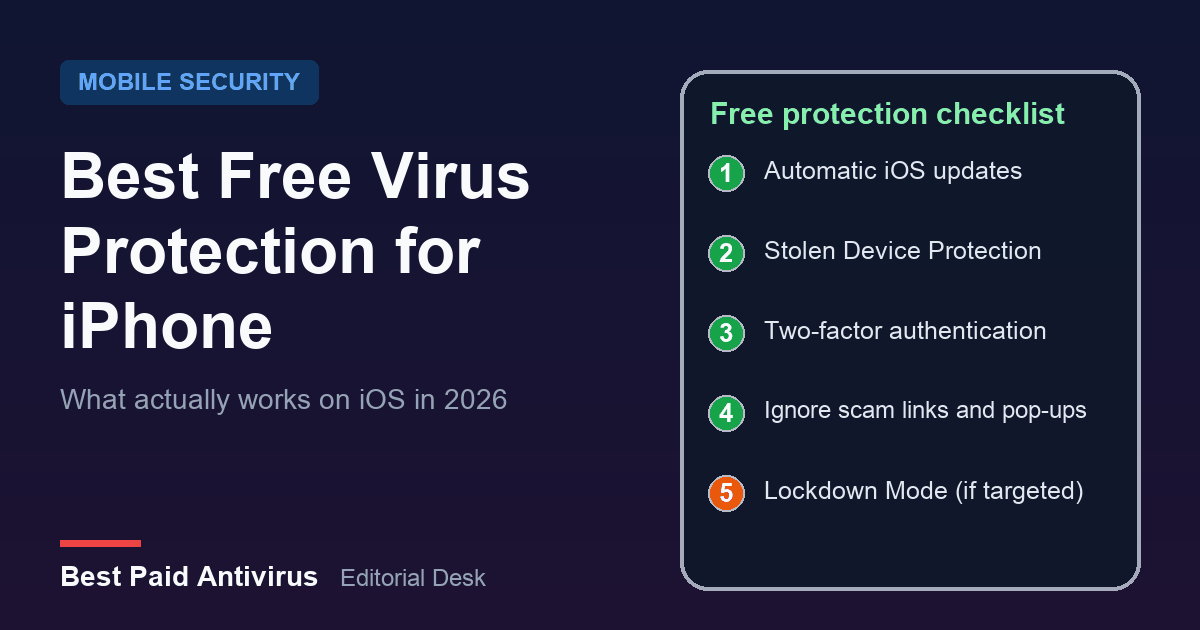
iPhone apps run in a sandbox and arrive through Apple's distribution system, which is why antivirus apps on iOS cannot scan other apps the way a Windows scanner can. Protection there is mostly about installing iOS updates and avoiding scams. See free virus protection for iPhone and how to remove a virus from an iPhone.
What malware protection does not cover
- It is not perfect. CISA says antivirus software can identify and block many viruses, not all of them, which is why it is one layer, not the whole plan.
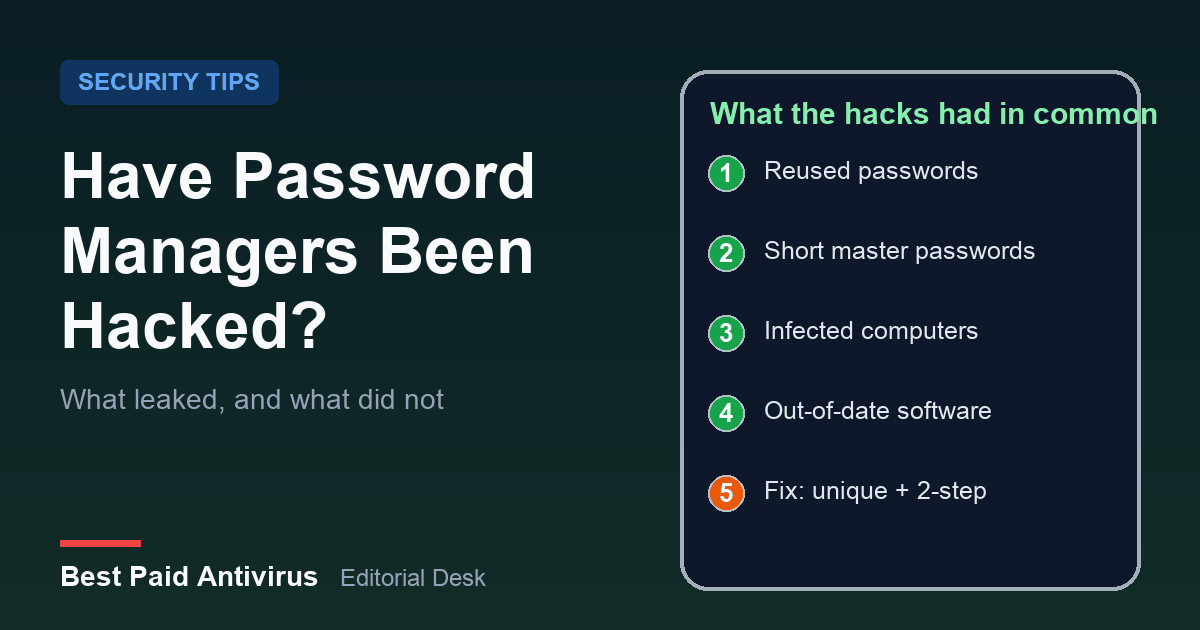
- Tricks that rely on you. Microsoft lists unsafe or fake websites, unexpected attachments and malicious links in email, social media and messages as common ways people get ransomware. If you approve the install yourself, protection may not stop it. Read what to do about a fake virus warning pop-up.
- Stolen or reused passwords. Malware scanning does not stop someone logging in with a leaked password. Use unique passwords and two-step verification, and read what really leaked in password manager incidents.
- Old software. Microsoft's ransomware guidance says to keep Windows and all patches up to date. Security software cannot patch a hole in an app you never update.
- Lost files. If ransomware gets in, a backup is your recovery. Microsoft notes that OneDrive includes ransomware detection and recovery plus file versioning. Keep at least one backup copy disconnected from your computer.
Do you need to pay for malware protection?
| Your situation | Built-in tools enough? | What to add or consider |
|---|---|---|
| One Windows PC, careful browsing, updates on | Usually yes | Keep Defender on, turn on Controlled Folder Access, use two-step verification and a backup |
| Mac or Android, mainstream apps only | Often yes | Keep the OS current, install apps from official stores, add a paid app if you want web filtering or extras |
| Family with mixed Windows, Mac, Android and iPhone | Sometimes | A multi-device suite gives one dashboard, parental controls and a single renewal. See best antivirus 2026 |
| Home office or small business | Rarely on its own | Centrally managed protection, backups and staff training. See antivirus for small business and ransomware protection |
| Free antivirus only | Depends | Compare features and limits in best free antivirus |
If you do pay, check the price at checkout and the renewal price before you commit, because first-year deals often rise. Our guide to whether you need antivirus in 2026 covers this decision in more detail, and the Norton renewal price and McAfee refund articles show what renewal costs look like.
A simple checklist that works on any device
- Turn real-time protection on. On Windows, open Windows Security, then Virus & threat protection, and make sure real-time protection is on.
- Install updates for the operating system and apps. It is the cheapest malware protection there is.
- Use official app stores and avoid cracked software, which is a common route for infections.
- Do not open unexpected attachments or links, even from people you know, until you confirm they sent them.
- Turn on ransomware controls such as Controlled Folder Access on Windows.
- Back up important files and keep one copy offline or in a service with version history.
- Use unique passwords and two-step verification so a stolen login is not enough.
- Run a quick scan if something feels wrong. On Windows, choose Virus & threat protection and then Quick scan. If it finds nothing but problems continue, see our malware removal tool comparison.
If you have already been scammed
Disconnect from the internet, change passwords from a clean device, tell your bank if money moved, and report the scam. Our guide to reporting a scam to the FTC lists the steps for US readers.
The bottom line
Malware protection is a layered defense: scanning, behavior monitoring, web and download checks, ransomware controls, plus updates, backups and sensible habits. The built-in tools on Windows, Mac and Android are a solid base, and independent testing shows Microsoft's free option performing strongly. Paying makes sense when you need to cover several devices, want extra features or manage a small business, not because your device would otherwise be unprotected. Whatever you choose, the habits above matter as much as the software.
Sources
- CISA: Understanding Anti-Virus Software (revised September 27, 2019)
- Microsoft Learn: Microsoft Defender Antivirus in Windows overview
- Microsoft Support: Stay protected with the Windows Security app
- Microsoft Support: Protect your PC from ransomware
- Apple Platform Security: Protecting against malware in macOS
- Google Play Help: Use Google Play Protect
- AV-TEST: Test antivirus software for Windows 11 (August 2026)
- AV-Comparatives: Real-World Protection Tests
Frequently Asked Questions
What is malware protection?
Malware protection is the combination of tools that find, block and remove malicious software. It typically includes signature scanning for known threats, behavior monitoring for new ones, web and download checks, ransomware safeguards and a firewall, plus regular updates.
Is Windows Defender enough malware protection?
For many people, yes. In AV-TEST's August 2026 Windows 11 test of 15 home products, Microsoft Defender Antivirus scored 6 of 6 for protection, 5.5 for performance and 6 for usability. You still need updates, safe browsing habits, backups and two-step verification, and a paid suite may add features such as multi-device cover.
Do Macs and Android phones need malware protection?
They have built-in protection: XProtect and Gatekeeper on Mac, Google Play Protect on Android. Keep the system updated, install apps from official stores and be careful with links and attachments. A paid app can add extras such as web filtering, but built-in tools are not nothing.
What is the difference between antivirus and malware protection?
Antivirus is the classic term for software that scans for known malicious code. Malware protection is broader: it also covers behavior monitoring, web protection, ransomware controls and good habits. Most modern antivirus products include these layers.
Can malware protection stop ransomware?
It can block many ransomware programs and, on Windows, Controlled Folder Access can stop untrusted programs changing protected folders. It cannot stop you approving a malicious install or reverse stolen passwords, so keep backups, including one disconnected copy, and update your software.
How do I know if my malware protection is on?
On Windows, open Windows Security, choose Virus and threat protection and check that real-time protection is on. On Android, open the Play Store, tap your profile icon, tap Play Protect settings and make sure Scan apps with Play Protect is on. On Mac, keep macOS updated so XProtect signatures stay current.
Written by the Best Paid Antivirus editorial desk from published lab results, vendor documentation and official guidance. Spotted something out of date? Tell us. Some links may earn us a commission; see our affiliate disclosure.