Best Free Virus Protection for iPhone in 2026: What Actually Works
The best free virus protection for an iPhone is not an app. It is a short list of settings that are already on your phone: automatic iOS updates, a passcode with Stolen Device Protection, two-factor authentication on your Apple Account, and the habit of ignoring links in unexpected texts. Apple's iPhone design relies on centralized app distribution, code signing and strict sandboxing, so the classic Windows-style virus is rare. What does reach iPhones is phishing, scam pop-ups, spam calendar invitations and, for out-of-date phones, spyware delivered through web pages. This guide ranks the free protections by how much risk each one removes, then explains where a security app can and cannot help.
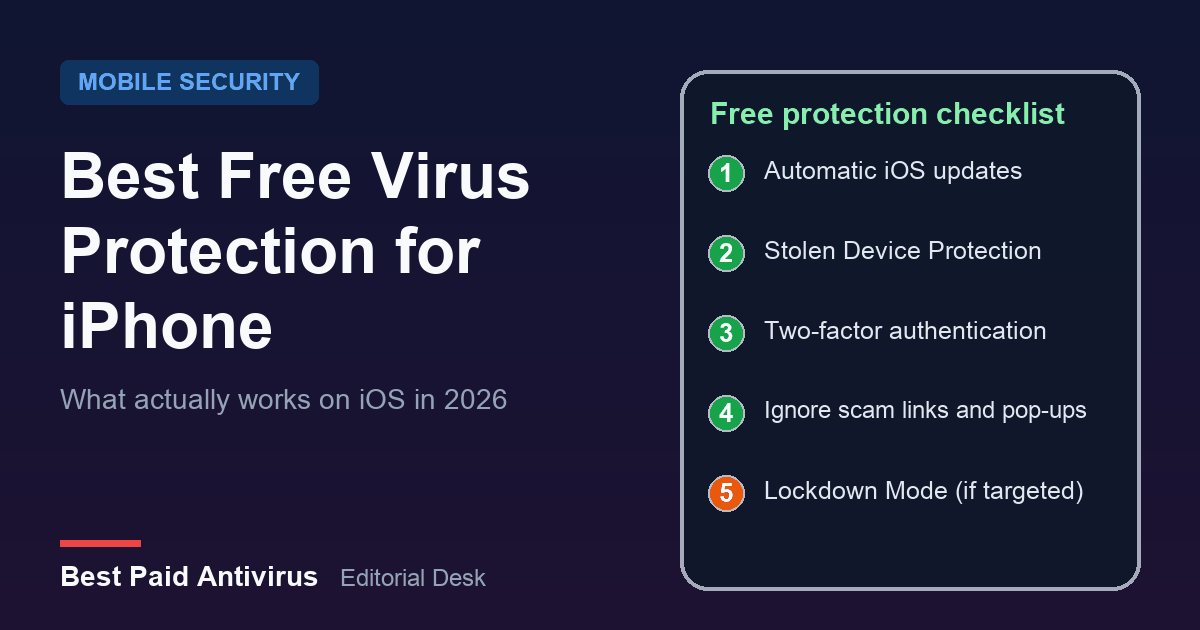
Short answer: what to turn on first
- Automatic updates. The single most effective free protection.
- Stolen Device Protection. Stops a thief who knows your passcode from taking over your Apple Account.
- Two-factor authentication on your Apple Account and email, with codes never shared.
- A scam-message habit. Do not tap links in unexpected texts, calls or pop-ups.
- Lockdown Mode only if you may be personally targeted.
If you want to check a phone you already think is infected, use our step-by-step guide on checking an iPhone for a virus instead; this article is about prevention.
Why updates beat any antivirus app on iPhone
Apple's Platform Security guide says that on iPhone and iPad the design principle focuses on centralized distribution, code signing and strict sandboxing. Each app is walled off from the others, which is why a security app on iOS cannot inspect your other apps the way a Windows scanner inspects files. The weak spot is the operating system itself. In October 2026, researchers at Report URI and iVerify described the DeadTag operation, in which hijacked website tags redirected visitors to exploit kits. Report URI says the Coruna kit targets iOS 13 to 17.2.1 and DarkSword targets iOS 18.4 to 18.7. We cover the details in our iPhone virus guide. The takeaway for prevention is simple: a current iOS release closes the holes those kits depend on, and no third-party app can do that for you.
Apple's own support page says that keeping software up to date is one of the most important things you can do to maintain a product's security. To switch updates on:
- Open Settings, tap General, then Software Update.
- Tap Automatic Updates.
- Turn on Automatically Install. Apple says the iPhone then installs the update overnight while charging and connected to Wi-Fi, and notifies you before it does.
If your iPhone is too old to receive the latest iOS, check Apple's security releases page for the newest version your model can run, and avoid banking or password-manager work on a phone that no longer gets fixes.
Turn on Stolen Device Protection
This is the most overlooked free feature. Apple describes Stolen Device Protection as an extra layer when your iPhone is away from familiar places such as home or work. Some actions, such as viewing stored passwords or credit cards, require Face ID or Touch ID with no passcode fallback. Others, such as changing your Apple Account password, also impose a one-hour security delay and a second biometric check. It needs iOS 17.3 or later and must be switched on before a phone is lost or stolen. You can check it in Settings, Face ID & Passcode, Stolen Device Protection. Apple says it requires two-factor authentication for your Apple Account, a passcode, Face ID or Touch ID, Significant Locations and Find My, and that it might already be on by default.
Defend against the threats that actually reach iPhones
Apple's guidance on social engineering lists the real routes: fraudulent emails and messages that look like they come from legitimate companies, misleading pop-ups that say your device has a security problem, scam calls impersonating Apple Support, fake prizes and unwanted Calendar invitations. Its rules are practical and free:
- Never share passwords or verification codes. Apple says it never asks for them to provide support.
- Use two-factor authentication on your Apple Account.
- Download software only from sources you trust.
- If a message or call is unexpected, presume it is a scam and contact the company directly using a number you looked up yourself.
- If you entered your password on a scam site, change your Apple Account password immediately.
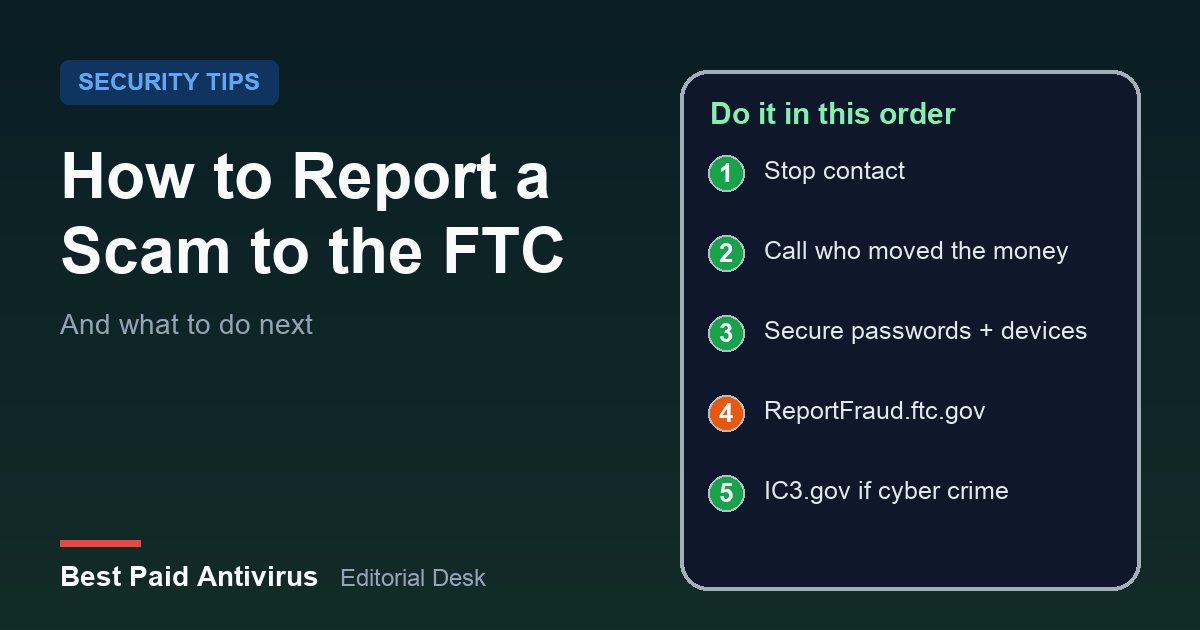
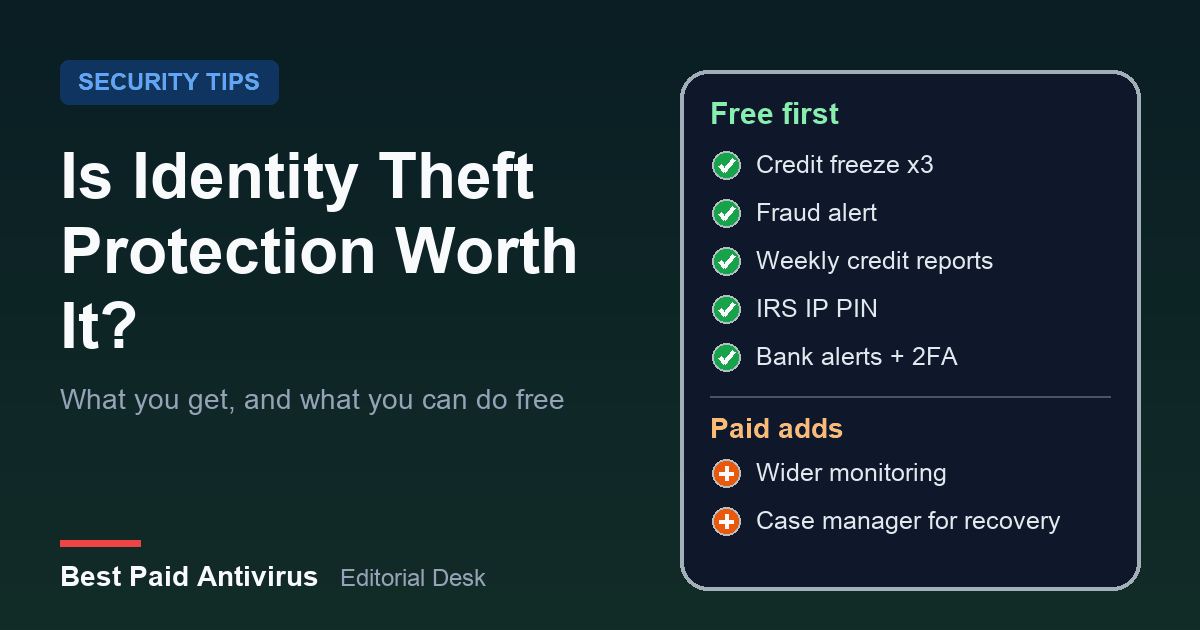
A "your iPhone has a virus" page is always a scam, because a website cannot scan your phone. Our guide to the fake virus warning pop-up shows how to close it safely, and our FTC scam reporting guide covers what to do if you already paid or shared details. If a breach worries you more than a virus, read whether identity theft protection is worth it before you buy anything.
Lockdown Mode: free, extreme, and not for most people
Apple calls Lockdown Mode an optional, extreme protection for the very few people who might be personally targeted by sophisticated threats, such as mercenary spyware, and says most people are never targeted by attacks of this nature. Turning it on limits message attachment types, some web technologies, incoming FaceTime calls from unknown contacts and configuration profiles, so your phone will not behave as usual. It is under Settings, Privacy & Security, Lockdown Mode. Journalists, activists and executives should consider it. Everyone else can skip it.
Where a free or paid security app does help
An iPhone security app cannot scan other apps, so judge it on what it can do: block scam websites, filter or flag scam texts, screen calls, monitor for data breaches and provide a VPN. For iOS, Malwarebytes, for example, lists web protection, an ad and tracker blocker, call protection, a VPN, scam text protection, a digital footprint scanner and identity protection tools, and prices its device-security plan from $59.99 a year for three devices on its US page (checked October 30, 2026). Those are scam and privacy tools rather than virus scanning, and they overlap with free settings on your phone. Our best antivirus for iPhone page compares the paid options, and our best free antivirus guide covers other devices.
Before you install a free security app, check three things:
- What is actually free. Many are free to download but need a subscription for the useful features. Read the App Store listing and the in-app purchase list first.
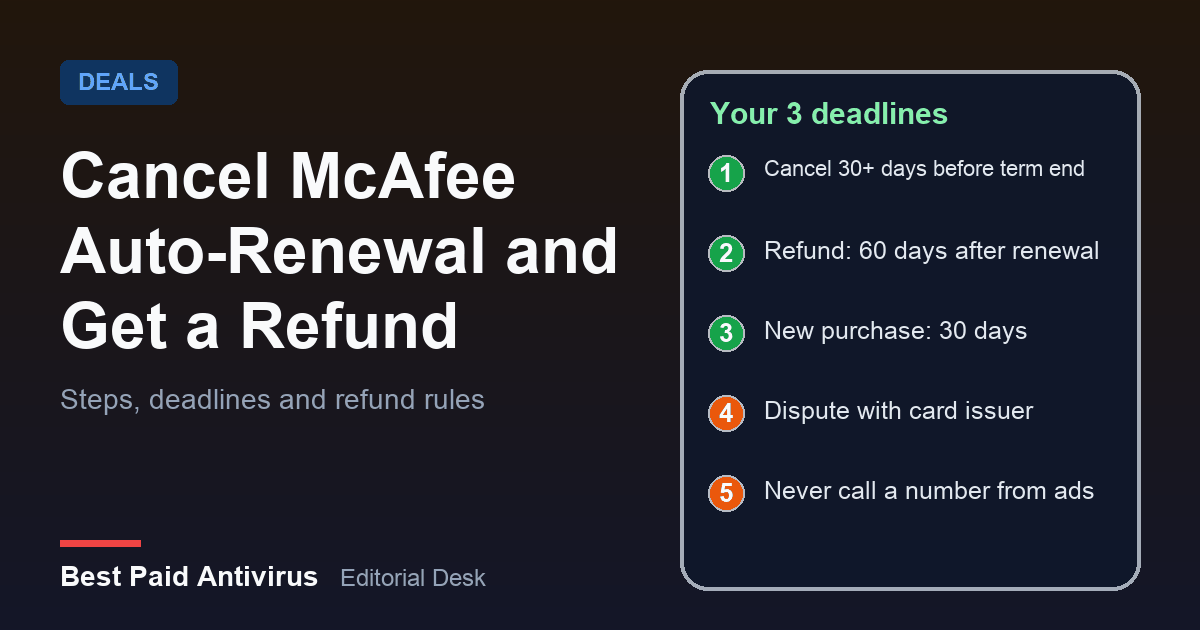
- Whether it converts to a paid plan. The FTC explains that free trials can roll into paid subscriptions, so find the cancel steps and set a reminder before you start. Our McAfee auto-renewal guide shows what that looks like.
- What permissions it asks for. A call-blocking or web-filter app needs system-level access. Install one only from a developer you can verify, and never because a pop-up told you to.
Free protection versus a paid suite
| Need | Free option on iPhone | When a paid app helps |
|---|---|---|
| Stop exploits | Automatic iOS updates | Never; apps cannot patch iOS |
| Thieves and account takeover | Stolen Device Protection, passcode, 2FA | Rarely |
| Scam texts and calls | Your own caution, carrier tools | If you get many and want automatic flagging |
| Scam websites | Careful browsing | If you want an extra web filter |
| Breach and identity monitoring | Free credit freeze and reports through the FTC | If you want alerts and recovery support |
| Targeted spyware | Lockdown Mode | Not a substitute |
If you are weighing it against a whole-household plan, our guide on whether you need antivirus in 2026 explains how to avoid paying for protection you already have.
The bottom line
For most people, the best free virus protection for an iPhone is automatic updates, Stolen Device Protection, two-factor authentication and a healthy distrust of unexpected links, calls and pop-ups. Add Lockdown Mode only if you are a likely target. Treat any security app as an optional scam and privacy extra, not a virus scanner, and read the price and renewal terms before you install it.
Sources
- Apple: App security overview (Apple Platform Security)
- Apple: Update your iPhone or iPad
- Apple: About Stolen Device Protection for iPhone
- Apple: Recognize and avoid social engineering schemes including phishing messages, phony support calls, and other scams
- Apple: About Lockdown Mode
- Apple: Apple security releases
- Report URI: DeadTag research (October 21, 2026)
- Malwarebytes: Mobile Security for iOS and Android (features and pricing, checked October 30, 2026)
- FTC: Getting In and Out of Free Trials, Auto-Renewals, and Negative Option Subscriptions
Frequently Asked Questions
Does an iPhone need antivirus software?
Most iPhones do not need a traditional virus scanner. iOS apps are sandboxed and distributed through centralized review, so classic viruses are rare. Keeping iOS up to date, using two-factor authentication and ignoring scam links matter far more. A security app is an optional extra for scam-text, web and breach protection.
What is the best free virus protection for iPhone?
The best free protection is built in: automatic iOS updates, Stolen Device Protection, a strong passcode, two-factor authentication on your Apple Account and a habit of ignoring unexpected links, calls and pop-ups. Lockdown Mode is a free extra for people who may be personally targeted.
Can a website scan my iPhone for viruses?
No. A web page that claims your iPhone is infected is a scam. Close the tab, do not call any number or install any app it suggests, and clear Safari history and website data if it keeps appearing.
Is Stolen Device Protection on by default?
Apple says it might be turned on by default, but you should check. Open Settings, then Face ID and Passcode, then Stolen Device Protection. It needs iOS 17.3 or later and must be on before a phone is lost or stolen.
Should I turn on Lockdown Mode?
Only if you may be personally targeted, for example as a journalist, activist or executive. Apple says most people are never targeted by attacks of this nature, and Lockdown Mode limits many features, so your iPhone will not work as usual.
Written by the Best Paid Antivirus editorial desk from published lab results, vendor documentation and official guidance. Spotted something out of date? Tell us. Some links may earn us a commission; see our affiliate disclosure.