How to Cancel McAfee Auto-Renewal and Get a Refund (2026)
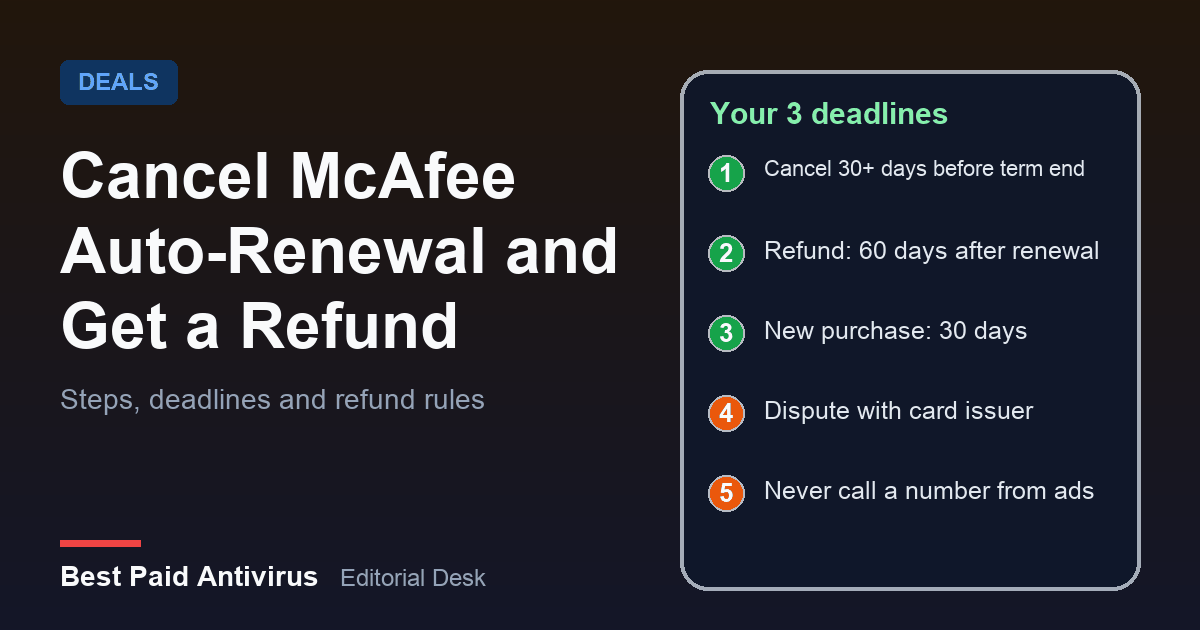
To stop McAfee from renewing, sign in at myaccount.mcafee.com, open Subscriptions, select Cancel next to the plan, then choose Cancel Auto-Renewal. McAfee says to do this more than 30 days before your term ends, because it charges your card about 30 days ahead. If you were already charged, McAfee's US refund policy returns the most recent automatic renewal in full when you ask within 60 days of the charge, and you ask by phone or chat through McAfee's official support site. This guide covers each step, the exceptions that trip people up, and what to do if McAfee will not refund you.
Why this is landing in inboxes now
McAfee's own support pages say auto-renewal charges your payment method about 30 days before the subscription ends. If you bought a plan during last year's Black Friday sales, your one-year term ends around this time of year, so the renewal charge is arriving now, at the current price rather than the promotional one. McAfee says a first-time or promotional price applies only to your first purchase, and local taxes may be added. We explain the same effect for another vendor in our Norton renewal price guide.
The payment does not cost you time. McAfee extends the subscription a full year from your current end date, not from the day it charges you, so paying early does not shorten what you already bought.
First, confirm the charge is really from McAfee
- Sign in at myaccount.mcafee.com, go to Subscriptions, then Payment History.
- Look for a charge with the same date and amount as the one on your statement.
- On a card or bank statement, McAfee's charges show as www.mcafee.com/charge.
If you see more than one charge, McAfee says each active subscription renews on its own date. Common causes are products bought separately, subscriptions under a second email address, an old trial, or a PC that shipped with McAfee preinstalled. Check any other email address you may have used to buy.
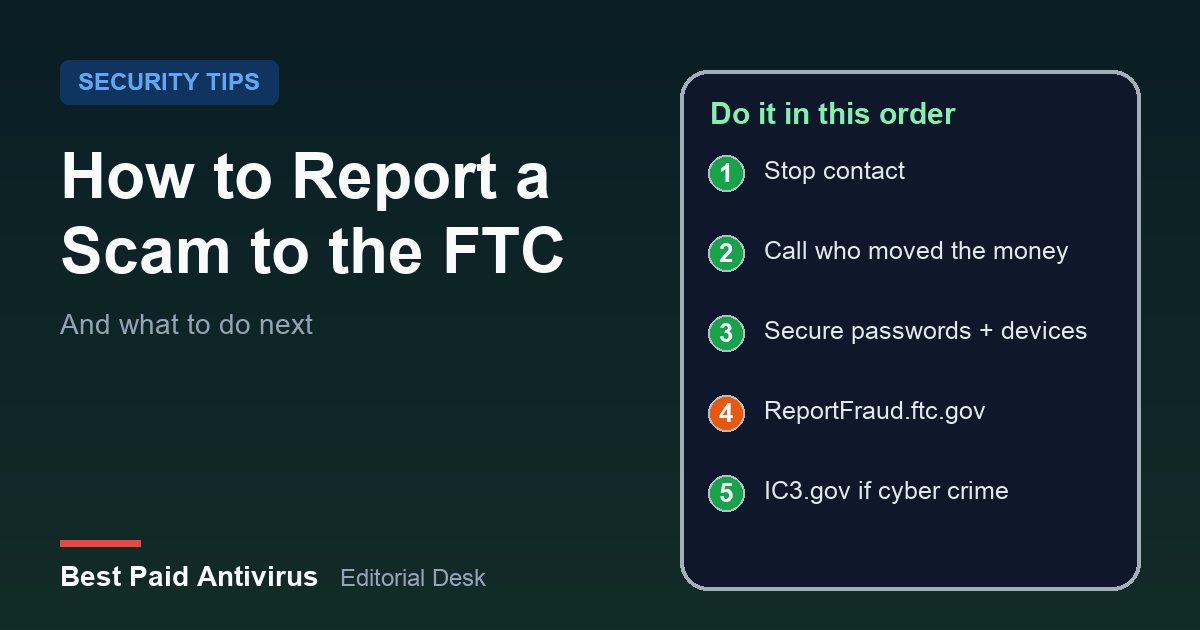
If no matching charge appears in your account, treat the message or the charge as a possible scam. McAfee says it will never call you to ask for payment for customer service and will never ask for your password or bank sign-in details. The FTC describes the same trick for tech brands generally: a text or email says you were charged hundreds of dollars to renew a subscription and you must call a number within 24 hours to dispute it. Do not call the number in the message. Our guide to reporting a scam to the FTC covers what to do next.
How to turn off McAfee auto-renewal
- Go to myaccount.mcafee.com and sign in.
- Select Subscriptions.
- Select Cancel next to the subscription you do not want to renew.
- Scroll down and select Cancel Auto-Renewal.
After that, your paid subscription keeps working until the end of its current term and does not renew. Two cautions from McAfee's help page:
- Do it early. To avoid the next renewal charge, turn auto-renewal off more than 30 days before the term ends.
- Some plans bundle perks with auto-renewal. McAfee says certain qualifying subscriptions include extra benefits while auto-renewal is on, and turning it off can end your eligibility for them. Read the screen before you confirm.
Uninstalling the app does not cancel anything. McAfee states that removing the software from a device does not stop your subscription or future charges; only turning off auto-renewal in your account does. The reverse is also true: cancelling renewal does not remove the software.
If you bought through a retailer, a phone carrier or an app store instead of McAfee, McAfee does not bill you, so McAfee's page says to manage renewal with the provider that bills you.
How to get a refund after McAfee renewed
McAfee's US refund policy sets these limits:
| Your situation | What McAfee's policy says |
|---|---|
| Annual plan, new purchase | Refund eligible if you ask within 30 days of purchase |
| Annual plan that auto-renewed | Most recent renewal charge refunded in full if you ask within 60 days of the charge |
| Monthly plan | The 30-day money-back guarantee is not available |
| Partial year used | No prorated refunds |
| Bought from a third party | The guarantee applies to purchases made from McAfee, so ask the seller |
The policy does not apply to customers in the UK, Germany, the Netherlands, or the Canadian provinces of British Columbia and Quebec; McAfee points those customers to separate pages or to customer service.
To ask, you contact McAfee Customer Service by phone or chat. Start from mcafee.com/support and use the contact option there; McAfee's refund page says all requests are handled this way, and it also says it never asks you to pay for support. McAfee says that after a refund you must uninstall the software and delete its program files, and that it may disable the license. Use its uninstall pages for Windows, Mac, Android and iOS rather than a third-party "removal" site.
A short script that works
Have your account email, the charge date and the amount ready, then say: "My annual subscription auto-renewed on this date for this amount. I am within the 60-day window and I want a full refund of that renewal and auto-renewal turned off." Write down the date, the agent's name or ID, and any case number, and ask for a confirmation email.
If the charge is real and McAfee refuses
If you are inside McAfee's window and still get a no, ask for a supervisor, then go back to your payment method. The FTC says that if you are charged without your consent and the company will not refund you, you can dispute the charge with your credit or debit card company right away. You can start online, by phone using the number on the back of your card, and the FTC suggests following up in writing and keeping proof. A dispute is not guaranteed to succeed, and a charge you knowingly agreed to is harder to contest, so try McAfee first when you are within its window.
Fake McAfee support numbers are the real risk
Searching for "McAfee refund phone number" is how many people reach scam call centers. McAfee warns that fake sites copy its logo, charge for support, pressure you to act now, or show an unclosable pop-up with a phone number. If the address is not mcafee.com, it is not McAfee. You can forward suspicious emails to scam@mcafee.com. We cover the pop-up version in what to do about a fake virus warning.
Should you renew at all?
Cancelling the renewal is a good moment to check what you pay for. Windows already ships with Microsoft Defender, and our Windows Defender review explains when it is enough. If you want a paid suite, compare Norton and McAfee, read our McAfee review, or see the best antivirus of 2026 and current antivirus deals before Black Friday. Whatever you pick, check the renewal price before you buy and set a calendar reminder 35 days before the term ends.
The bottom line
Turn off auto-renewal in your McAfee account more than 30 days before the term ends. If it already renewed, ask McAfee for a refund within 60 days through its official phone or chat support, uninstall the software if you get it, and dispute the charge with your card company if a valid request is refused. Never call a number from a text, email or search ad.
Sources
- McAfee Support: Turn off auto-renewal for your McAfee subscription
- McAfee Support: McAfee products Refund Policy
- McAfee Support: Auto-Renewal FAQ
- McAfee Support: Check a McAfee charge you didn't expect on your card
- McAfee Support: Renew your McAfee subscription
- McAfee Support: Spot fake McAfee Customer Service websites
- FTC: Getting In and Out of Free Trials, Auto-Renewals, and Negative Option Subscriptions
- FTC: How To Spot, Avoid, and Report Tech Support Scams
Frequently Asked Questions
How do I cancel McAfee auto-renewal?
Sign in at myaccount.mcafee.com, open Subscriptions, select Cancel next to the plan, then choose Cancel Auto-Renewal. Do it more than 30 days before your term ends. Your protection continues until the end of the term you paid for.
Can I get a refund if McAfee already renewed?
Under McAfee's US refund policy, an annual subscription that renewed automatically gets the most recent renewal charge refunded in full if you ask within 60 days of the charge. Monthly plans are not covered by the 30-day guarantee, and McAfee does not give prorated refunds. Ask through McAfee's official phone or chat support.
Does uninstalling McAfee stop the charges?
No. McAfee says removing the software from a device does not stop your subscription. Only turning off auto-renewal in your McAfee account stops future charges. If you get a refund, you must also uninstall the software.
Why was I charged before my subscription ended?
McAfee says auto-renewal charges your payment method about 30 days before the term ends. It then extends the subscription a full year from your current end date, so you do not lose time you already paid for.
What if McAfee refuses a refund I am eligible for?
The FTC says that if you are charged without your consent and the company will not refund you, you can dispute the charge with your credit or debit card company. Keep your dates, case numbers and any emails, and follow up in writing.
Written by the Best Paid Antivirus editorial desk from published lab results, vendor documentation and official guidance. Spotted something out of date? Tell us. Some links may earn us a commission; see our affiliate disclosure.