How to Report a Scam to the FTC and What to Do Next
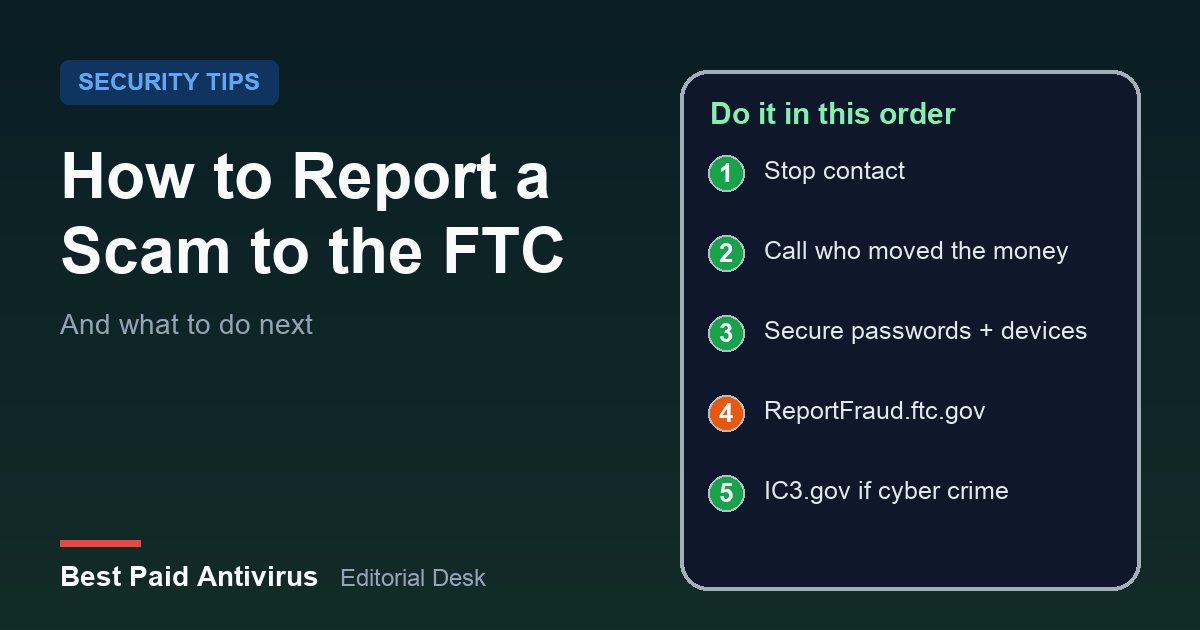
To report a scam in the US, go to ReportFraud.ftc.gov, the FTC's official reporting site, and answer a few questions about what happened. You can report even if you lost no money. But reporting is only half the job: the FTC uses reports to build cases and spot trends, while getting money back depends on contacting the company you paid, quickly. This guide covers the order to do things in, who to call for each payment method, and what to do if you also gave away a password, a Social Security number or access to your computer.
Why reporting matters more this year
The numbers keep climbing. In testimony to the Joint Economic Committee in March 2026, the FTC said it received 3 million fraud reports from consumers in 2025, with reported losses of $15.9 billion, up from about $12.5 billion the year before. Imposter scams, where someone pretends to be a bank, a government agency, a tech-support company or a family member, drew more than 1 million reports and $3.5 billion in reported losses. Investment scams cost people the most, at $7.9 billion.
Those are only the cases people reported, so the real total is higher. It also means one thing for you: if you were targeted, you are not an outlier, and your report is useful even if the scammer failed.
The first hour: what to do before you file anything
- Stop all contact. Do not answer follow-up calls, texts or emails from the person, and do not "test" a refund link they send.
- Call the company you paid through. This is the step that can actually return money, and time matters. The exact steps for each payment type are in the next section.
- Secure anything you handed over. If you shared a password, a Social Security number or remote access to your device, fix that before you spend time on paperwork.
- Write down the details while you remember them. Note the phone number, website, email address, usernames, dates, amounts, and how you were asked to pay. Keep screenshots, receipts and any gift card you bought.
- Then file your report. The details from step 4 are what the form asks for.
How to report a scam on ReportFraud.ftc.gov
Go to ReportFraud.ftc.gov and start a report. The site asks what happened, how you were contacted, whether you paid and how, and then collects details about the scammer and about you. A few points worth knowing:
- You do not need to have lost money. The FTC's FAQ says you can report even if you did not lose money, and it asks you to report things you think are scams or unfair business practices.
- Type the address yourself. Scammers copy official sites and impersonate agencies, including the FTC. The FTC says it will never threaten you, tell you to move your money to "protect it," or ask you to withdraw cash or buy gold for someone.
- You may get next steps. According to the FTC, people who report a loss to ReportFraud.ftc.gov receive information on how to try to recover their money.
- It will not return your money by itself. The FTC's own recovery guidance sends you to the company that moved the payment, which is why step 2 above comes first.
If the scam started online or involved a hacked account, crypto or a business email takeover, also file a complaint with the FBI's Internet Crime Complaint Center (IC3.gov). IC3 is run by the FBI and is the central place to report cyber-enabled crime. It also warns that scammers impersonate IC3 itself, that IC3 does not work with law firms or crypto services to recover lost funds, and that it will never contact you directly for information or money. Anyone who offers to "recover" your money through IC3 for a fee is another scammer.
How to try to get your money back, by payment method
Scammers prefer payment methods that are hard to trace, so your money may already be gone. The FTC still says it is always worth asking the company you used whether the payment can be reversed. Here is the FTC's guidance for each method:
- Zelle or a bank transfer: report it to your bank or credit union right away and ask them to reverse the payment and refund your money.
- Payment apps (Venmo, Cash App, PayPal): report it to the app immediately and ask for a reversal and refund.
- Wire transfer (Western Union, MoneyGram): report it to the wire company right away, tell them a scammer tricked you into sending money, and ask for a refund.
- Credit card: call the issuer using the number on the back of the card, or use the app, and ask for a refund. Federal law protects you from unauthorized use of a credit card.
- Debit card: report it to your bank or credit union the same way. Debit cards have federal protection for unauthorized use too.
- Gift cards: contact the gift card issuer using the number on the card, say a scammer tricked you into giving up the number and PIN, and ask for a refund. Keep the card and the store receipt, because you may need them. No real business or agency will ever tell you to pay with a gift card.
- Cryptocurrency: contact the exchange or the crypto ATM operator immediately, say it was a fraudulent transaction and ask them to reverse it, then report it to the FTC. The FTC warns that crypto payments lack the legal protections of cards, so recovery is hard.
- Cash by mail: contact the U.S. Postal Inspection Service at 1-877-876-2455 immediately. For a fee they can intercept a domestic package that has not been delivered. If you used FedEx or UPS, contact them as soon as possible.
If you gave the scammer more than money
Your Social Security number
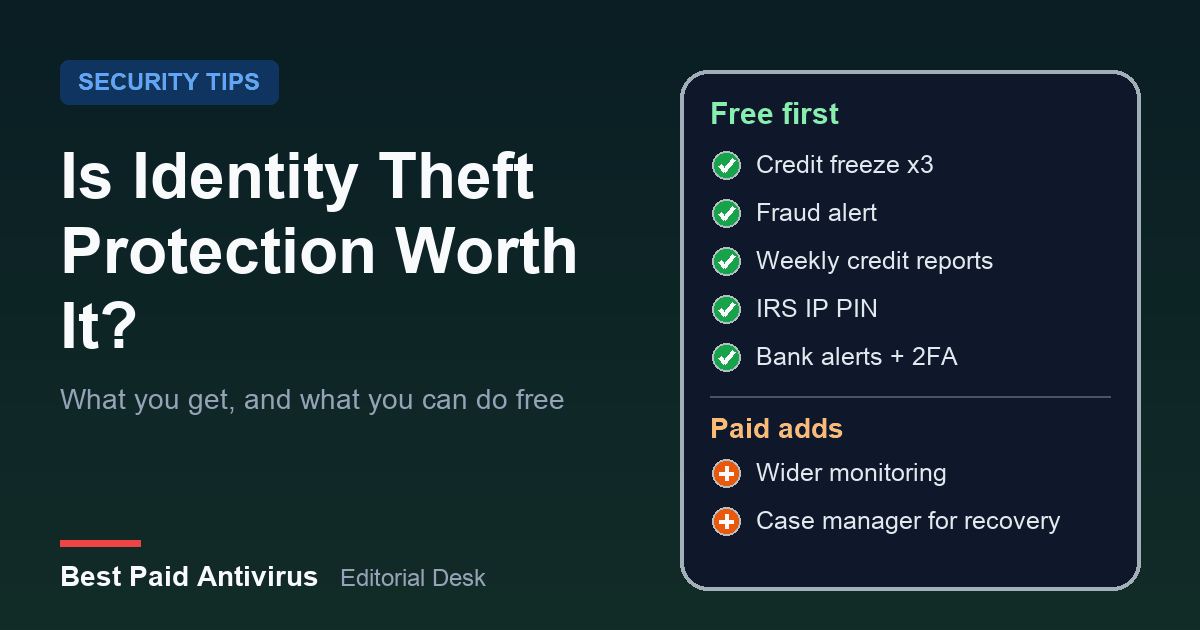
If the scammer used it, report it at IdentityTheft.gov and follow the personalized recovery plan. If you are not sure it was used, the FTC points to IdentityTheft.gov/databreach for protective steps. Our guide on whether identity theft protection is worth it covers the free steps, such as credit freezes and an IRS Identity Protection PIN, and what a paid plan adds.
A username and password
If you can still log in, create a new strong password for that account, change it anywhere else you reused it, and turn on two-factor authentication. If you cannot log in, use the account provider's recovery process and follow the FTC's steps for taking back a hacked account.
Access to your phone or computer
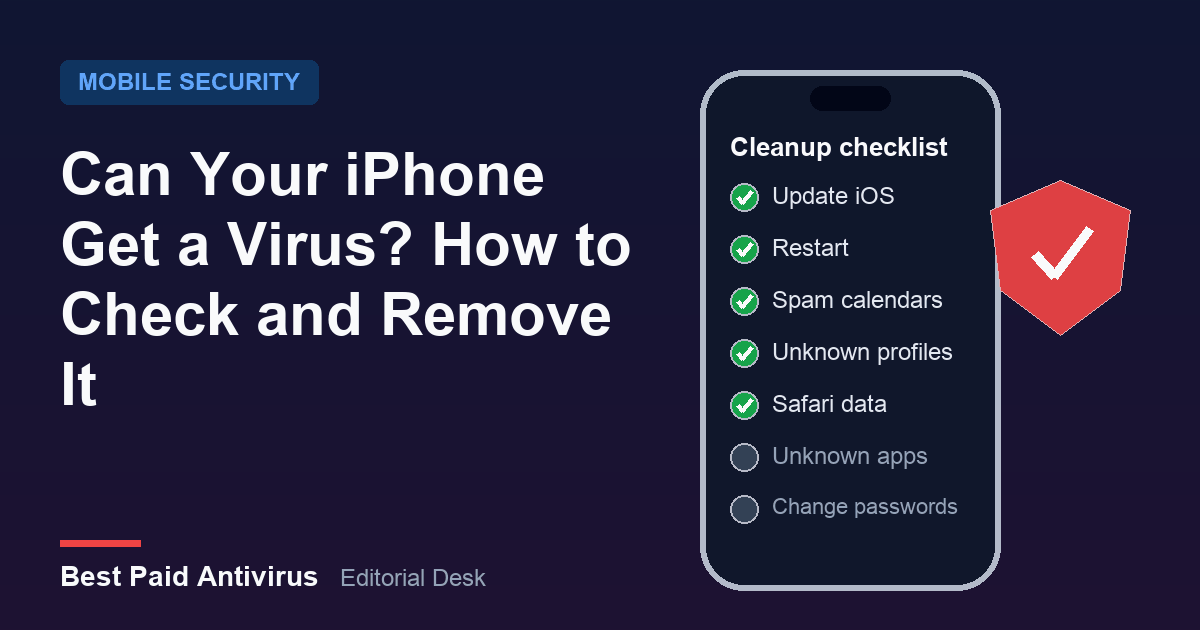
This is where antivirus software matters. The FTC's steps are: update your security software (or install some if you have none), run a scan and remove anything it flags, then change your passwords and turn on two-factor authentication. Do the password changes from a device you trust, because a compromised machine can capture the new ones. For hands-on help, start with our guides on a fake virus warning pop-up, removing a virus from an Android phone, checking an iPhone for a virus and the best malware removal tools. If a scammer had remote access, remove the remote-access app, check that no unknown programs remain, and watch your bank accounts closely for several weeks.
To see how a bank-impersonation call is structured, which helps you recognise the next one, this short breakdown walks through a scripted fake fraud-department call:
Watch for the second scam: "recovery" offers
After you report, some people get a call or message from someone promising to get the money back, for an upfront fee or "to unlock" funds. That is a follow-up scam. Real recovery goes through the bank, card issuer, app or company that moved the payment, and through the official reporting channels above. Do not pay anyone who contacts you first about getting your money back.
A simple way to spot the next one
In a July 2026 consumer alert, the FTC pointed to a pattern in the reports it receives: how someone asks you to pay is often the giveaway. A legitimate business can take a card or bill you. A person who insists the only way to pay is a bank transfer, wire transfer, cryptocurrency, payment app or gift card is, according to the FTC's report data, running a scam. Pair that with a rule of thumb: if the contact was unexpected and urgent, hang up and reach the real company using a number from its official website or your card, never one the caller gave you.
The bottom line
Contact the company that moved your money first, secure any passwords, Social Security numbers or devices you exposed, then file at ReportFraud.ftc.gov, and add an IC3.gov complaint if it was a cyber-enabled crime. Keep your records, ignore "recovery" offers, and run a security scan if anyone had access to your phone or computer.
Sources
- FTC: What to do if you were scammed (updated June 2026)
- ReportFraud.ftc.gov: report fraud, scams and bad business practices
- ReportFraud.ftc.gov: frequently asked questions
- FTC: testimony on efforts to combat fraud (March 2026; 2025 totals)
- FTC: people reported losing $3.5 billion to imposter scams in 2025 (June 2026)
- FTC: Avoiding and reporting gift card scams
- FTC consumer alert: A way to spot scams, how someone asks you to pay (July 22, 2026)
- IdentityTheft.gov: report identity theft and get a recovery plan
- FBI Internet Crime Complaint Center (IC3)
Frequently Asked Questions
How do I report a scam to the FTC?
Go to ReportFraud.ftc.gov, the FTC's official site, and answer the questions about what happened, how you were contacted and whether you paid. You can report even if you did not lose money. Type the address yourself, because scammers copy official sites.
Can the FTC get my money back?
Not directly. The FTC uses reports to build cases against scammers, spot trends and educate the public. To try to recover money, contact the bank, card issuer, payment app, wire company, gift card issuer or crypto exchange you paid through right away and ask them to reverse the payment.
Should I report a scam to the FBI as well?
If the scam was cyber-enabled, such as an online investment scheme, a hacked account, crypto or a business email takeover, you can also file a complaint with the FBI's Internet Crime Complaint Center at IC3.gov. IC3 will never contact you directly for money or information and does not work with law firms or crypto services to recover funds.
What should I do if I paid a scammer with a gift card?
Contact the gift card issuer right away using the number on the card, tell them a scammer tricked you into giving up the card number and PIN, and ask for a refund. Keep the card and the store receipt, then report it at ReportFraud.ftc.gov.
What if I gave a scammer access to my computer?
The FTC advises updating your security software (or installing some), running a scan and removing anything it flags, then changing your passwords and turning on two-factor authentication. Do the password changes from a device you trust.
Written by the Best Paid Antivirus editorial desk from published lab results, vendor documentation and official guidance. Spotted something out of date? Tell us. Some links may earn us a commission; see our affiliate disclosure.